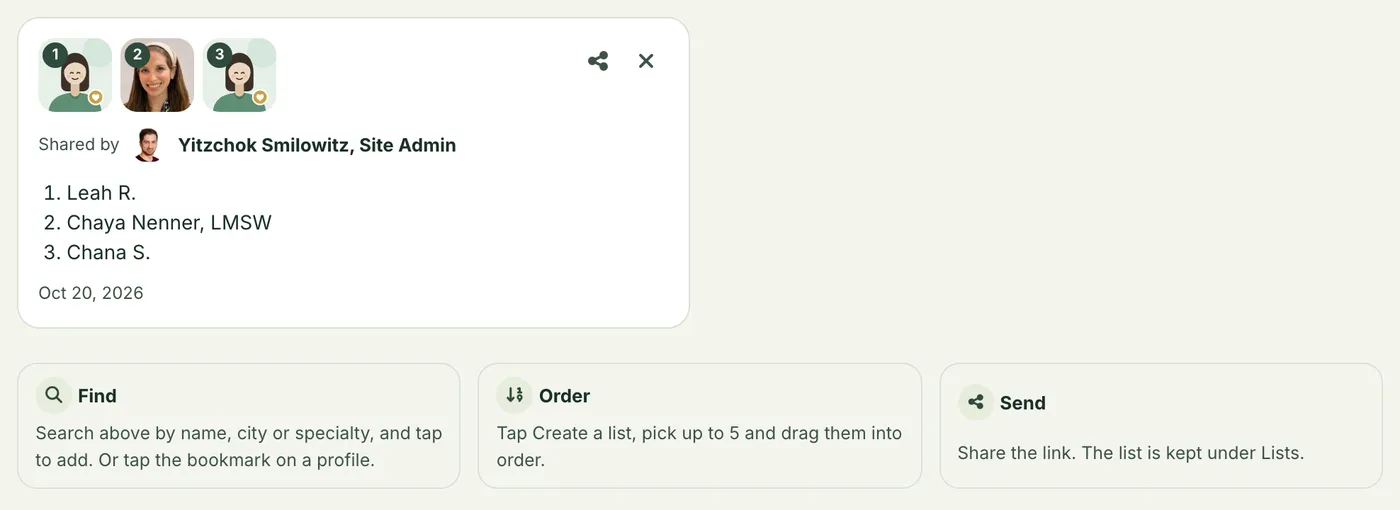
When you refer someone, you can send them one link instead of a few names in a text. It opens a page with the providers you picked, in your order, with their photos and profiles.
How
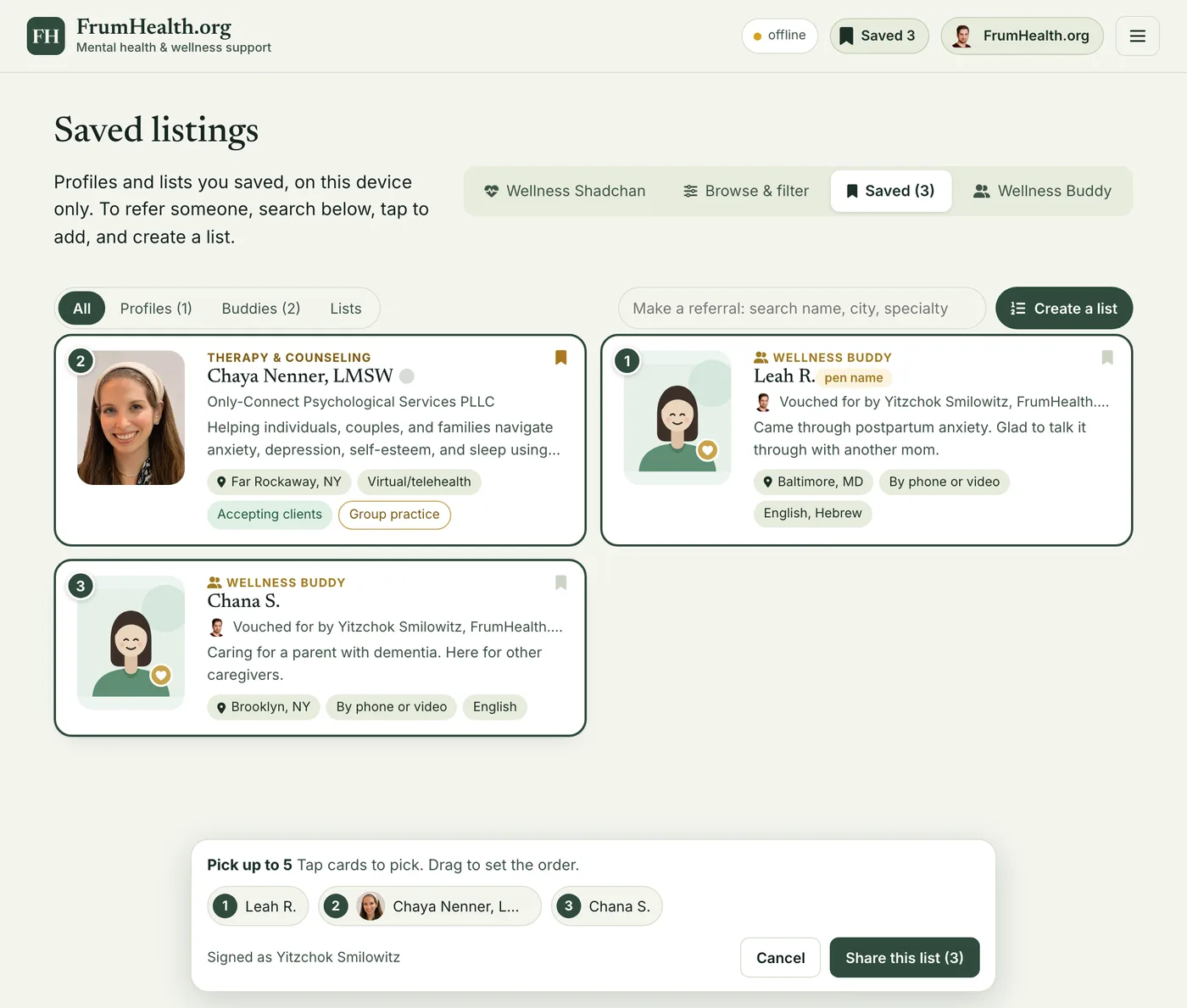
- Find. In the search at the top of Saved, type a name, a city or a specialty. Tap a person to add them. Anyone you bookmarked is already there.
- Order. Tap Create a list, pick up to 5 and drag them into order.
- Send. Tap Share this list and send the link however you like.
Your lists
Every list you share is kept under Saved → Lists on that device, so you can open it or send it again. A list someone sends you is kept there too.
Signed lists
If you are listed, sign in on your device before you share. Your link is then signed with your listing's key, and the page shows that the list came from you, with your photo and name.
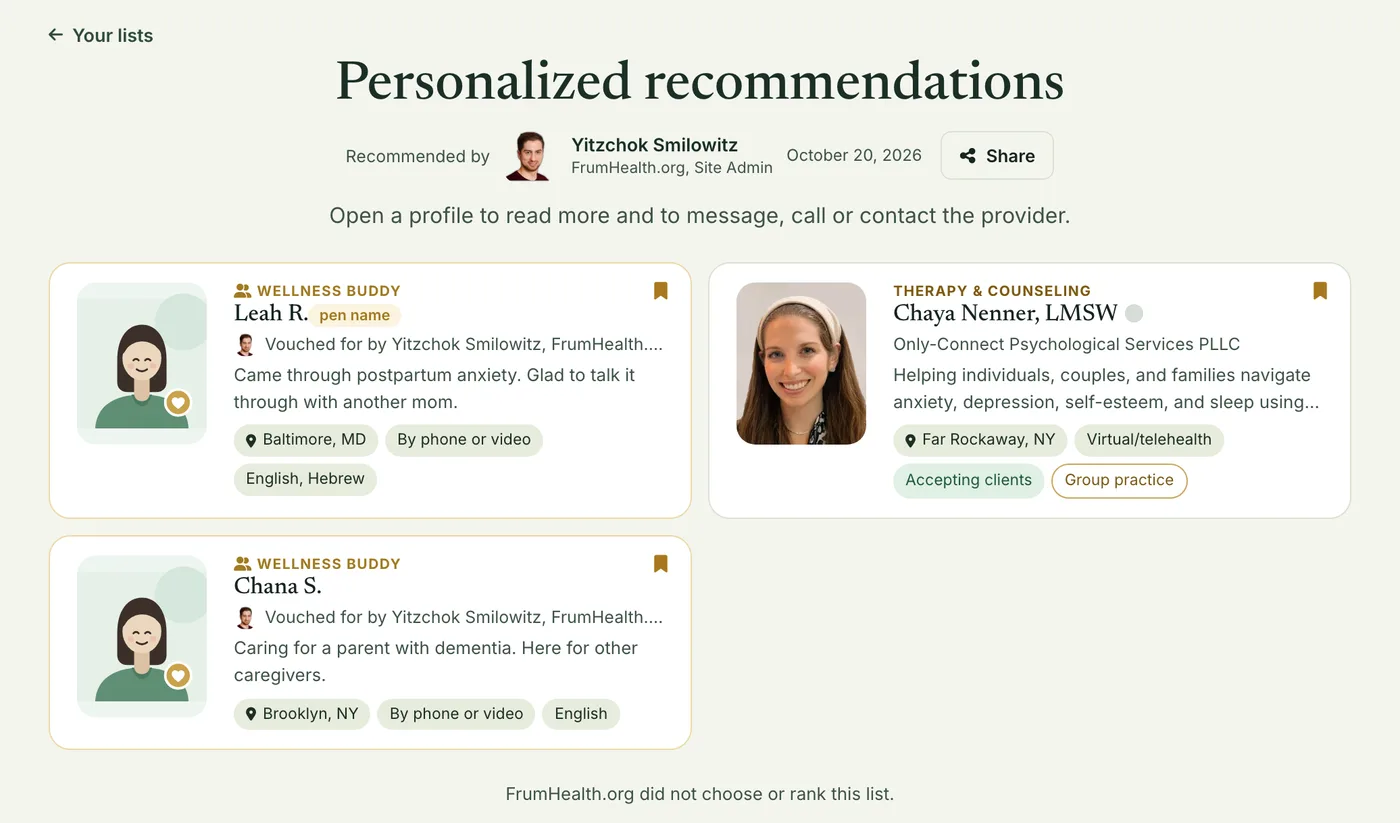
The site checks the signature against your listing before it shows your name. If someone edits the link or makes one up, your name is not shown on it.
Lists with Wellness Buddies
You can put Wellness Buddies on a list. Only signed-in providers see them on the list's page. Anyone else sees the rest of the list.
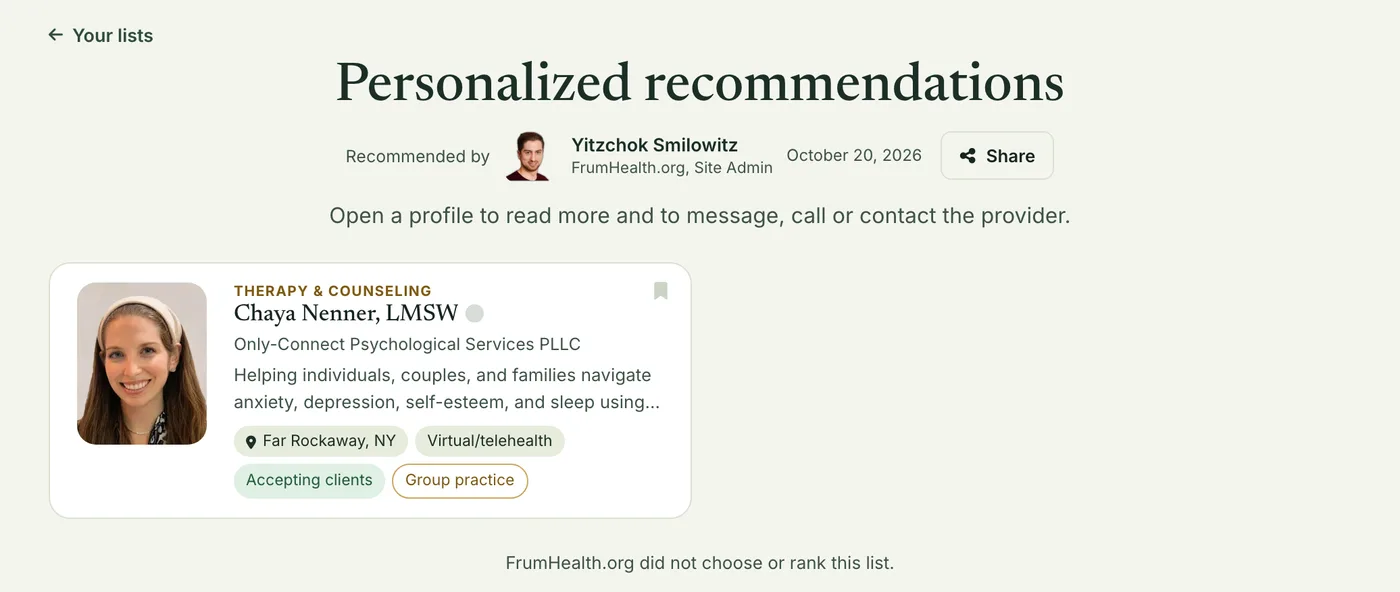
So a list with buddies is for a colleague. For a client, send a list of providers, and introduce a buddy through the provider who vouches for them.
What the link holds
Only the IDs of the people on it, in order, and who sent it. No name of the person you are referring, and no notes. Nothing about them reaches us.